Versions
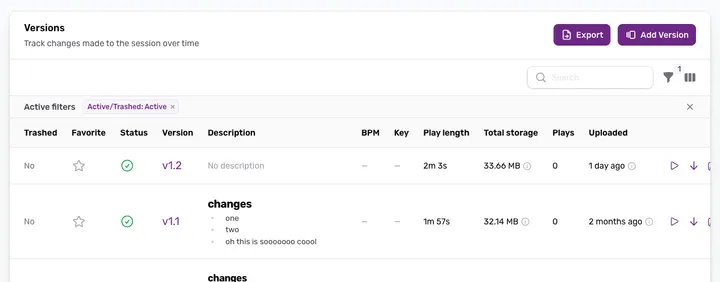
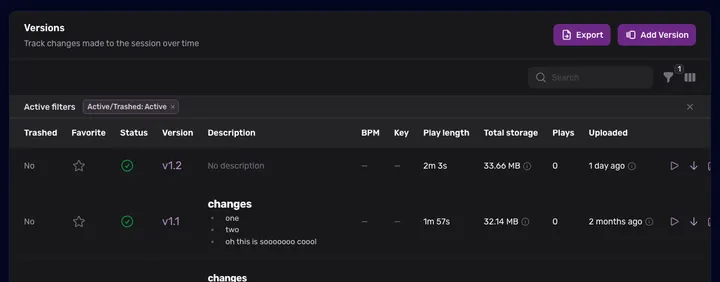
Every upload creates a new version — browse, compare, and manage the full history of your session.
Every time you upload a new mix, it becomes a new Version of the session. Nothing is overwritten — every version stays in your history. If you don’t need one, you can trash it and restore it later from the Trashed filter.
Version numbering
Each version has a number: 1.0, 1.1, 2.0, etc.
- Major versions (1.0, 2.0) — significant changes: new arrangement, added vocals, major mix revision.
- Minor versions (1.1, 1.2) — tweaks: EQ adjustments, level changes, small fixes.
All sessions start at 1.0 when first uploaded.
Browse versions
Open the Versions tab to see the full list. Click any version to play it in the player.
Favorite a version
Click the star icon on any version row to mark it as a favorite; click it again to remove the favorite.
Favorites matter when creating a private share — you can choose to share only your favorited versions, so the recipient hears exactly the picks you want, not the full version history.