Play a Session
Stream, scrub, and loop a section of your session without leaving the page.
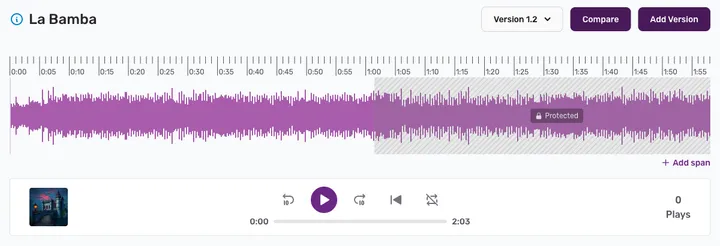
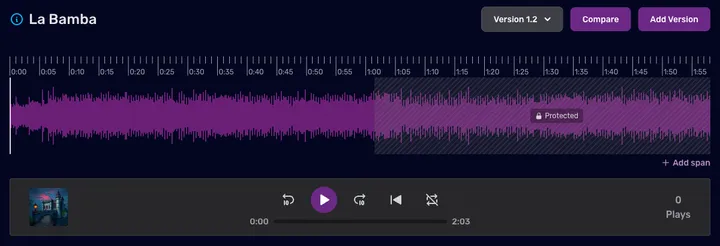
Click any session to open it. The waveform shows the whole song; the playhead shows where you are.
Playback controls
- Space — play / pause
- ← / → — skip backward / forward
- \ — return to the start
- Click the waveform to seek to any point
Switch versions
Use the version selector (above the waveform) to jump to any version — 1.0, 1.1, 2.0, etc. — and pick up exactly where the playhead is.
Loop a section
To loop part of a session, mark it as a span: click + Add span below the waveform and drag the handles to cover the section. Then press R to cycle repeat on, and use [ / ] to move between spans.
Admin NotesPrivate