Library
Browse and search all sessions you have access to, across every team and project.
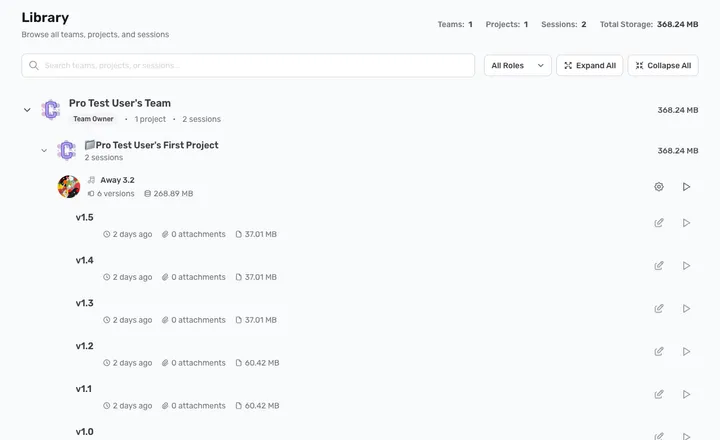
Library gathers everything you have access to — every team, project, session, and version — into one expandable tree. The header shows your totals: teams, projects, sessions, and total storage used.
Browse
Each team expands to reveal its projects, and each project its sessions and their versions. Use Expand All / Collapse All to open or close the whole tree at once, or click the arrow on any row.
Search and filter
- Search — the bar at the top filters by name as you type, across teams, projects, and sessions.
- All Roles — narrow the list to teams where you have a particular role (for example, only teams you own).
Open a session
Click a session’s play control to open it in the player, or jump straight to a specific version from the tree.
Admin NotesPrivate