Todos
Track tasks for a session — assign work to collaborators, set deadlines, and move items through their statuses.
Todos are task items tied to a specific session. Use them to track what still needs doing before a session is finished.
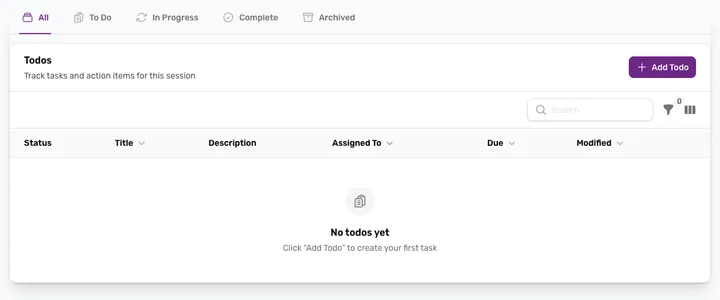
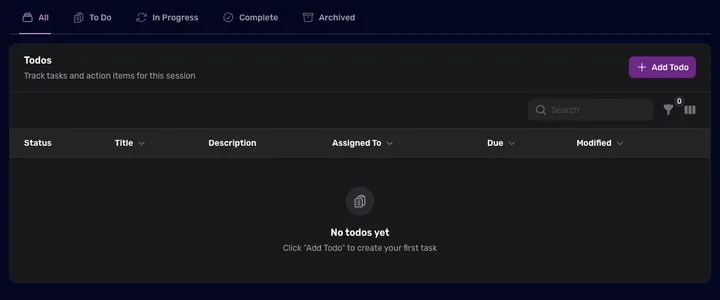
The Todos tab
Todos live on the Todos tab of a session, shown as a table with Status, Title, Description, Assigned To, Due, and Modified columns. Tabs across the top — All, To Do, In Progress, Complete, and Archived — filter the list by status, and you can search or sort within it.
Create a todo
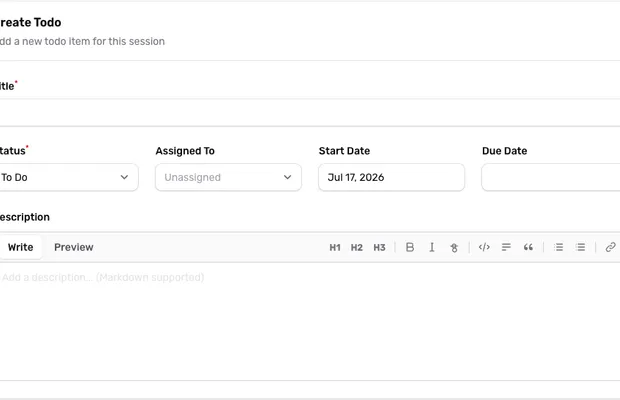
- Click + Add Todo on the Todos tab.
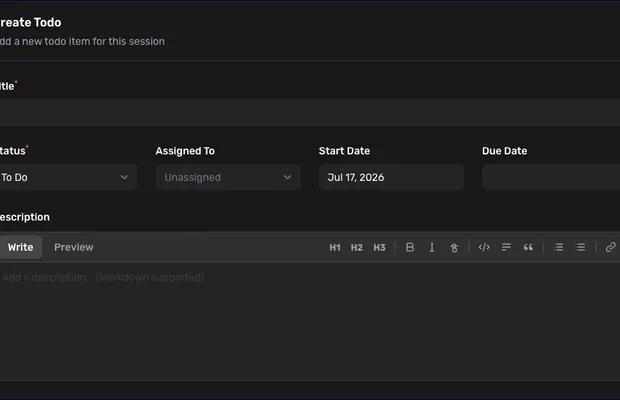
- Give it a Title, and set a Status (To Do, In Progress, or Complete).
- Optionally assign it to a team member and set a Start Date and Due Date.
- Add a Description — Markdown is supported, with a live preview.
- Click Create Todo.
Assigned collaborators receive an email notification, and Aliada sends reminder emails as due dates approach.
Update or archive
Open any todo to change its status, reassign it, or edit the details. Completed work can be archived to keep the active list focused — archived todos stay available under the Archived tab.